Restore Layout
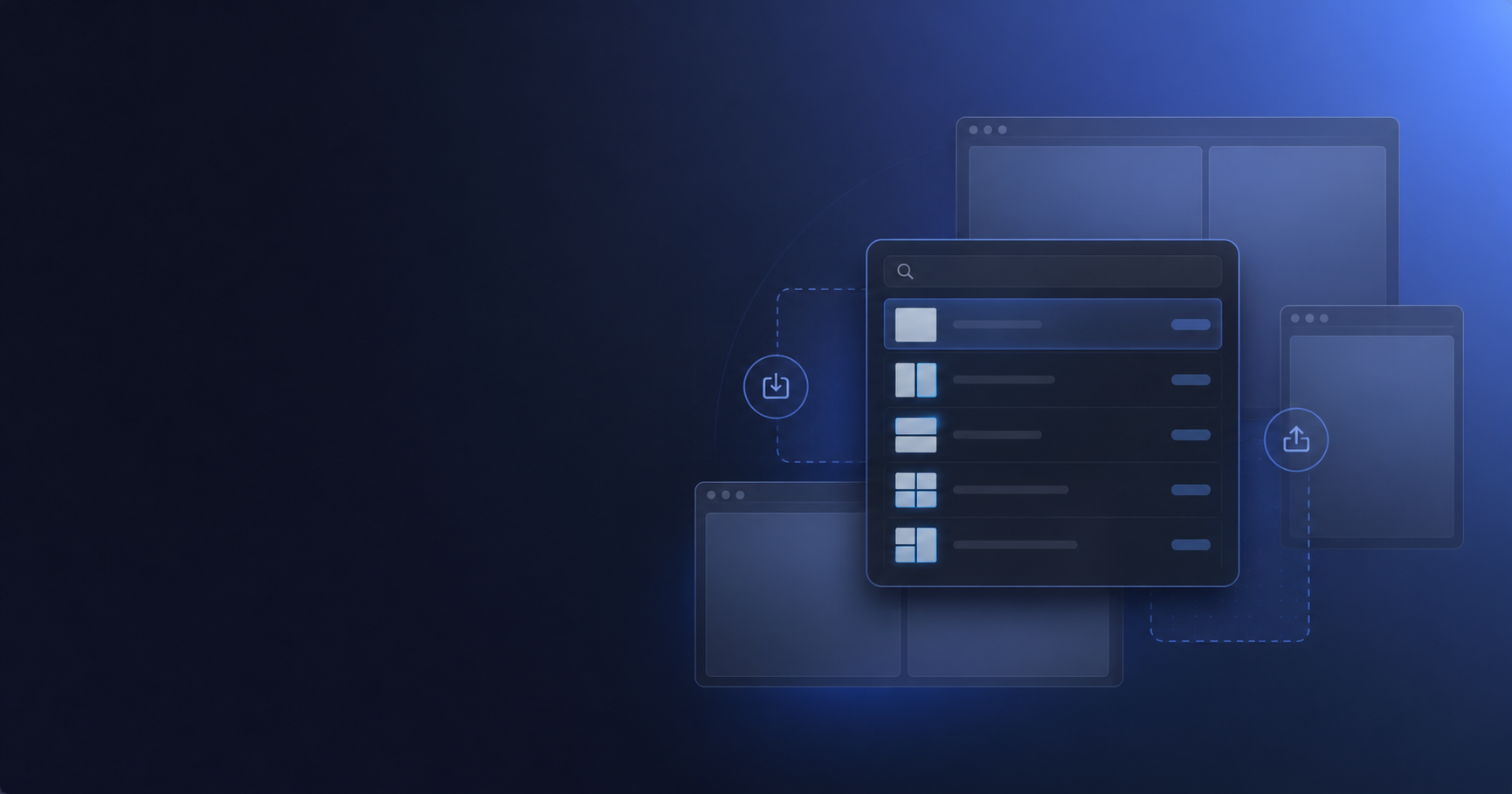
Search a local list of saved layouts, see aggregate window, app, and display counts, then ask LayoutLock to restore the selection.
 LayoutLock
 Appearance
Search and restore any LayoutLock layout from Raycast, or save the windows in front of you without leaving the keyboard.
Two focused commands
Raycast requests the action. LayoutLock still handles permissions, plan limits, browser tabs, progress, completion, and errors.
Search a local list of saved layouts, see aggregate window, app, and display counts, then ask LayoutLock to restore the selection.
Optionally type a name as a Raycast argument. Leave it blank and LayoutLock uses the same suggested name as the app.
Setup
Raycast requires a one-time confirmation before installing any Store extension. LayoutLock cannot install it silently.
Use the current app version and grant Accessibility access when macOS asks.
Choose Install on the Store listing and approve Raycast’s one-time confirmation.
LayoutLock stays in the background unless it needs your attention for permission recovery.
The extension reads names, IDs, dates, and counts. It never reads full snapshots, browser URLs, file targets, or window details.
If Accessibility access is missing, LayoutLock shows a notice and opens its existing macOS permission recovery flow.
Update and open LayoutLock once, save a layout if needed, then refresh Restore Layout in Raycast.
Install the extension and approve Raycast’s one-time confirmation.